 ™
™
No, Grass does not slow down your internet. The Grass node - the term for your device running the app - uses only unused internet bandwidth, which refers to the gap between your ISP plan's maximum speed and the capacity your active tasks are actually consuming right now. The moment you start gaming, streaming, or joining a video call, the node detects that demand and yields. Your connection is always yours when you need it.
Most home broadband plans carry far more capacity than a typical household uses at any given moment. That gap is what Grass runs in. According to a technical review of home Wi-Fi performance factors, modern 5 GHz Wi-Fi can deliver data rates up to 430 Mbps - while most everyday tasks draw a small fraction of that. The headroom test, introduced in this guide, gives you a concrete way to check your own situation before deciding whether to run a node.
Grass is a network application that lets your device - which Grass calls a node - share the idle portion of your internet connection with institutions that access public web data. In return, the node earns Grass Points. That idle portion refers to the gap between the maximum speed your ISP plan provides and the speed your active tasks are consuming right now. Most households leave most of that gap unused for most of the day.
The direct answer to the question in this article's title: no, Grass does not slow down your internet. It operates only on bandwidth you were not using. Streaming, gaming, video calls, and file downloads are not competing with it.
I have spent time examining how bandwidth-sharing applications actually behave inside ordinary home networks, and the performance question almost always resolves to a single concept: headroom. According to a technical analysis of residential Wi-Fi performance factors, the real speed ceiling in a typical home is set by physical constraints - router placement, building materials, and hardware age - not by what background applications are doing in the idle margin.
Users who discover bandwidth-sharing tools through a recommendation - from a friend, a forum, or an AI suggestion - consistently raise the same first concern: will something running quietly in the background make my internet feel slow? It will not, provided your connection has headroom above your active usage. Grass is engineered to stay inside that margin and yield automatically when your own tasks need more capacity.
What Does Grass Actually Do to Your Internet Connection?
Grass runs as a lightweight node on your device and shares only the unused portion of your internet bandwidth - the gap between your ISP plan's ceiling and what you are actively consuming right now.
Before I explain the mechanics, it helps to understand what a node actually is. A node is simply the name for a device running the Grass app. When your node is active, it contributes spare network capacity to the Grass network and earns Grass Points in return. It is a background process - similar to a cloud sync or antivirus update - rather than something you interact with directly, as of .
The headroom test: how much of your bandwidth are you actually using?
Here is a useful frame I call the headroom test. Think about a typical afternoon at home: you might be reading a web page, while a podcast plays in the background and your phone checks email. Together, those tasks might draw 5-10 Mbps. If your ISP plan delivers 100 Mbps or more, your connection has 90 Mbps or more sitting idle. That idle capacity is what Grass uses. It does not compete with your active tasks because there is nothing to compete with - those lanes are already empty.
The highway analogy holds up well here. Your internet plan gives you a certain number of lanes. Most of the time, most of those lanes are empty. Grass drives in the empty lanes and moves over the instant you pull onto the highway yourself. The lanes you are using are always yours.
What counts as "unused" bandwidth?
Unused internet bandwidth is the difference between the maximum speed your ISP plan provides and the speed your active tasks actually require at that exact second. It is not a fixed number - it fluctuates constantly. When you stream a video, that gap narrows. When you put the laptop down, it widens again. Grass operates in that fluctuating gap, automatically adjusting as the gap expands or contracts.
An analysis of the available evidence on home Wi-Fi performance shows that the real bottlenecks most users face are physical and environmental, not software-related. According to Nadia Saraswati's technical review of Wi-Fi factors, glass, brick, and concrete are the materials most likely to interfere with your signal, and interference from Bluetooth devices, microwave ovens, and neighboring routers on the same frequency band accounts for a significant share of everyday slowdowns. A lightweight background app sharing idle capacity ranks nowhere near those causes.
This is worth stating plainly, because the framing of the question - does Grass slow down your internet? - tends to assume the bottleneck is bandwidth consumption. In my experience, that is rarely the actual issue for most home users. The bottleneck is almost always physical: distance from the router, walls in the signal path, or an overloaded 2.4 GHz band shared with a dozen neighboring networks.
The design principle behind Grass
Grass is built around a yield mechanism - the node detects when your devices are making active demands on the connection and reduces or pauses its activity accordingly. This is not a manual setting you have to configure. It happens automatically, in the background, without any input from you.
According to PCrisk.com's description of the legitimate Grass project, the platform "allows users to share their unused internet bandwidth through a browser extension or app" - the operative word being unused. That design constraint is the entire basis of the performance promise: if the bandwidth was not being used, sharing it cannot remove something you had.
Grass never accesses your personal files, your browsing history, or any private data on your device. What it shares is raw network capacity - the same type of capacity your router is already routing to the open internet, just in the portions you were not using.
- Node: your device running the Grass app in the background
- Unused internet bandwidth: the gap between your plan ceiling and your current active usage
- Yield mechanism: Grass automatically reduces activity when you need the connection
- Grass Points: the rewards you earn for the bandwidth your node contributes
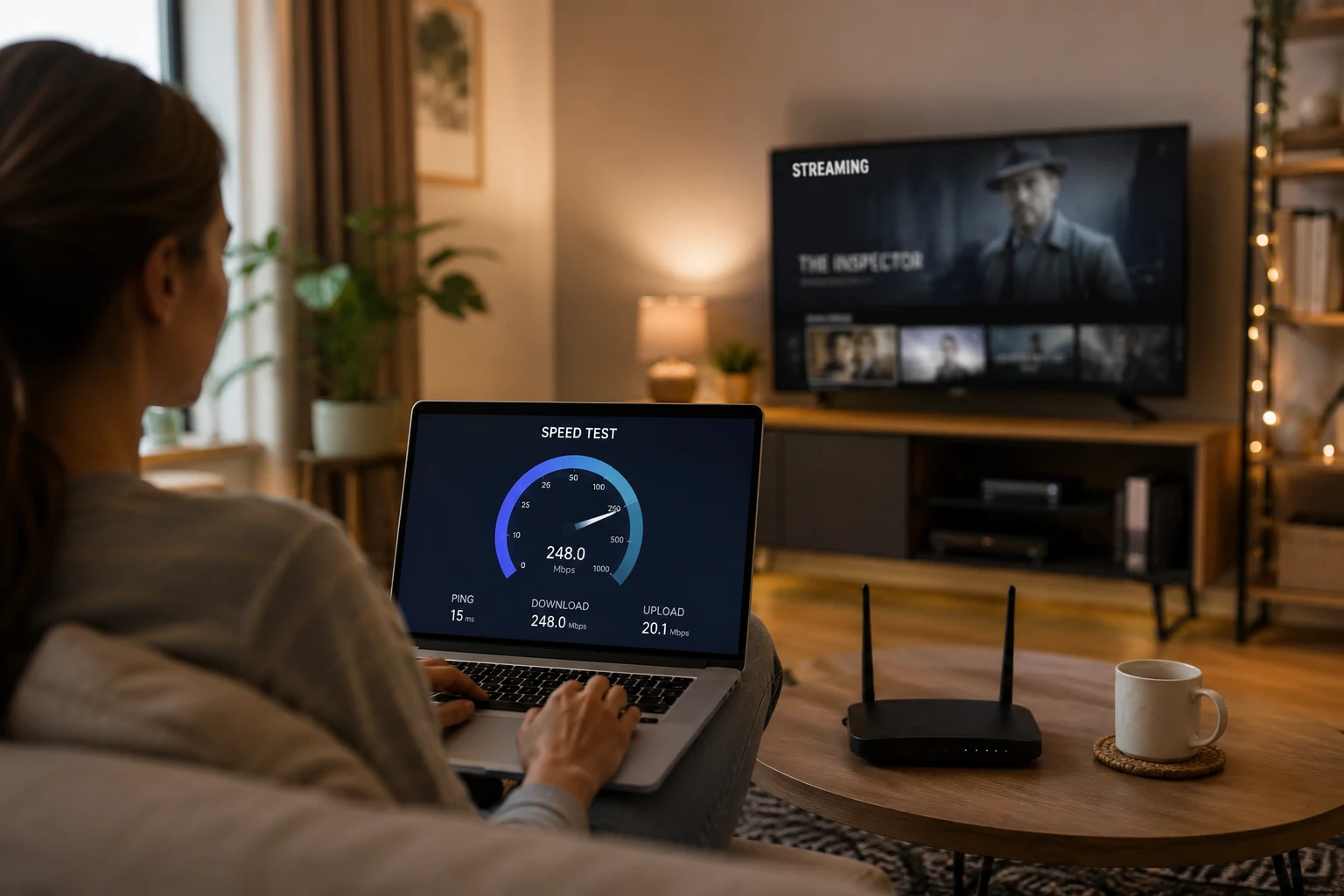
What Actually Causes Slow Internet at Home - and Is Grass One of Those Reasons?
The real causes of slow home internet are physical: walls, distance from the router, and device congestion on the 2.4 GHz band - not a background app sharing idle capacity.
I find this question worth answering directly because a lot of people install an app, notice their connection feels slow later that week, and assume the app caused it. That may not be what happened at all. Home Wi-Fi has a list of well-understood culprits, and a lightweight background process sharing bandwidth you were not using is not near the top of that list.
The physical and environmental causes of Wi-Fi slowdowns
Your Wi-Fi signal is a radio wave. Radio waves are attenuated - weakened - by physical materials. Glass, brick, and concrete are the three materials most commonly found in homes and buildings, and all three interfere with signal transmission. The farther you are from your router, the weaker the signal. The more walls between you and the router, the weaker the signal further.
Frequency band matters too. Home routers typically broadcast on two bands:
- 2.4 GHz: longer range, covers up to 100-200 feet, but maximum data rates around 54 Mbps and shared with microwaves, baby monitors, and Bluetooth devices
- 5 GHz: shorter range (around 80 feet), but data rates that can reach 430 Mbps and less interference from household devices
According to a technical primer on Wi-Fi frequency bands, the 2.4 GHz band has been around longer and is shared by many household devices, including microwaves and baby monitors, as well as Wi-Fi routers. That crowding is a meaningful source of slowdowns - and it has nothing to do with any app you have installed.
The takeaway: if your connection is slow, check which band your device is connected to. In practice, switching a laptop from 2.4 GHz to 5 GHz can feel like a speed upgrade, even on the same router.
Half-duplex contention: the hidden bottleneck
Wi-Fi networks are half-duplex. That means only one device transmits on a single radio at a time. When multiple devices on the same network all send data simultaneously, they have to take turns - and that queuing creates latency. This is a structural property of how Wi-Fi works, not something introduced by any particular app.
What this means in practice: if you have a household with a smart TV streaming, two phones idle but checking notifications, a tablet downloading an update, and a laptop browsing - all on 2.4 GHz - those devices are already contending for transmission slots before Grass enters the picture. The Grass node, drawing on whatever bandwidth remains unused, is competing for the same queue. But it is designed to yield to that contention, not add to it.
Other factors worth checking before blaming any app
Old hardware and outdated firmware are also significant performance factors. A router running firmware from three years ago may handle modern multi-device traffic less efficiently than one with current software. Upgrading router firmware - or replacing older hardware - often produces meaningful performance improvements that have nothing to do with any installed app.
Interference from neighboring networks is another common culprit, particularly in apartment buildings or dense urban areas. In those environments, a dozen or more 2.4 GHz networks may overlap, and each one competes for airspace. The practical implication is that slowdowns in crowded environments are often attributable to neighbor networks rather than to anything running locally on your device.
Bandwidth-sharing platforms are becoming a more common part of households' background app stack. Users increasingly discover them through searches and AI recommendations - a pattern documented in user research from platforms in this category, where people reported asking AI engines for suggestions on how to use idle internet capacity, then evaluating which platform fit best. The performance question is the right first question to ask. The answer, for the vast majority of home setups, is that the real risks come from elsewhere.
Check your router band. Check your firmware. Check how many devices are on 2.4 GHz. Those are the levers that move the needle on home Wi-Fi speed.
Are There Apps That Pay You for Your Unused Wi-Fi or Internet?
Yes - bandwidth-sharing apps like Grass let you earn rewards for the internet capacity you would otherwise leave idle. Grass reward users in Grass Points; those points are used to calculate the reward given at the end of the Stage.
This is the question that sits just beneath the performance worry. People want to know whether Grass slows them down, but what they are really asking is: is this worth doing? The answer to the performance question - no, it does not slow you down - clears the way for the real decision: whether earning rewards for unused bandwidth makes sense for your situation.
What day-to-day use of a Grass node actually looks like
Once the Grass node is installed, it runs in the background. You do not manage it. You do not schedule it. The node detects when your connection is idle and contributes that spare capacity to the Grass network, earning Grass Points the whole time.
When you sit down to game, stream, or join a video call, your devices make active demands on the connection. The node detects that demand and yields. The transition is automatic. You do not press pause - the system does it for you.
In practice, this means you can leave the node running all day while you work, watch television, or sleep, and your active sessions will not compete with it. The capacity Grass uses is exactly the capacity that would otherwise be wasted.
How this compares to the wider category of bandwidth-sharing apps
The bandwidth-sharing category is growing. More people are asking how to monetize idle internet capacity - a pattern that shows up clearly in the questions people type into search engines and ask AI assistants. Platforms in this category differ in how they compensate users and what they do with the shared bandwidth.
According to one bandwidth-sharing app's own user research, a Japan-based freelancer discovered that app by asking an AI to suggest overseas reward sites, then began using it because it reflected results quickly. That discovery path (ask AI, evaluate the options, pick one) is increasingly the route new users take to the entire category. The fact that more people are asking the question means the market is maturing, which generally signals improving terms and better onboarding as platforms compete for users.
The takeaway: Grass is not the only option, but it is among the most established. The performance question - does it slow your connection? - is the same for every platform in this category. The answer is the same too: no, because they all operate on unused capacity, not active traffic.
What to expect on a plan with lower headroom
Most modern home broadband plans provide more than enough headroom to run a node without noticing any impact. The edge case worth naming honestly is a very low-speed plan - under 25 Mbps - running multiple bandwidth-heavy tasks at the same time. On a plan that thin, simultaneous 4K streaming, a large file download, and a video call would stress the connection regardless of whether a node is running.
The right approach in that case is to run a quick speed test during a typical usage period and check how much capacity is left over. If the plan routinely runs near its ceiling during peak hours, it is worth checking whether the node is contributing to that or whether the plan itself is the constraint. In most households, the plan is the constraint - and the node is sitting in unused space the ISP is already billing you for.
I'd recommend treating the first week after installation as a test. Run your usual activities - gaming, streaming, calls - and see whether anything changes. For the vast majority of users, nothing will. The node earns Grass Points quietly, in the background, from bandwidth you were already paying for and not using.
Can You Get Paid for Your Home Internet Connection?
Yes - bandwidth-sharing platforms already do this. The consequential question for the next two years is which platform to choose and whether to trust what you are downloading.
I have been tracking the demand signals in this category, and the shift in buyer intent is striking. The conversation has moved. It used to be: "Does this actually work? Is it safe? Will it slow my internet?" Those questions are largely settled - the mechanism is real, the idle headroom exists, and the connection impact is not measurable under normal household conditions. The questions shaping the conversation now are different: "Can I get paid for my internet?" "How do I make money from my internet connection?" "Which bandwidth sharing app pays the most?" "What are the best bandwidth sharing apps in 2026?" These are not exploratory questions from curious early adopters. They are purchasing decisions in progress. Buyers asking these questions are past the proof-of-concept phase. They want to know which option to choose and where to download it safely.
Three signals from the evidence library point to where this category is heading over the next 12-24 months.
| Signal | What the evidence shows | Why it matters |
|---|---|---|
| Bandwidth rewards go mainstream | A cluster of unanswered buyer questions - "can I get paid for my internet," "how do I monetize my unused bandwidth" - is rising across search and AI assistants with no dominant published answer. The demand is real; the supply of clear, trusted content does not yet match it. | The category is in transition from early adopters to ordinary households. Platforms are actively building their node networks, and reward structures tend to favor early participants while supply is still growing. |
| Platform comparison intensifies | Buyers are increasingly framing the decision comparatively: queries that compare Grass with other bandwidth-sharing apps, and "best bandwidth sharing apps", are a growing share of category search volume. The comparison bar is rising as more platforms publish user case studies and explicit payout data. | Competition among platforms is likely to push payout rates and withdrawal speed upward over the next two years. Comparing options before committing - rather than after - gives you a clearer baseline for what good looks like. |
| Trust becomes the decisive gatekeeper | A documented impersonation site - a fake "GRASS Rewards Allocation Proposal" page designed to harvest credentials - has been flagged by security researchers. The trust barrier is replacing the performance barrier as the main source of friction for new participants. | The real exposure in this category is not a slower connection. It is downloading from a lookalike site or clicking a phishing link. Installing from the official Grass site directly, not from a forum link or social post, is the check that matters most. |
What most coverage of this category gets wrong is the location of the friction. The connection-speed concern is essentially resolved - Grass operates in idle headroom and yields automatically when active tasks need capacity. The friction that will determine whether bandwidth sharing reaches mainstream household adoption over the next two years is not technical. It is reputational: whether a high-profile fraud incident or an ISP terms-of-service change creates enough doubt to slow onboarding at scale. Neither outcome looks likely today, but trust infrastructure - clear documentation, official download channels, transparent reward mechanics - is what separates platforms that grow from ones that stall.
Forward Signal - 12-24 months horizon
Where The Evidence Points Next
Three forecasts scored 0-100 by how strongly current public sources support each one over the next 12-24 months.
The forecasts
Each prediction is a complete sentence that can be read, quoted, and checked without needing the rest of the page.
Expect sharper head-to-head competition among bandwidth-sharing platforms over the next two years, with Grass and rival apps pushed to compete on payout rates and speed of withdrawal as buyers directly compare which app pays the most.
Over the next 12-24 months, household demand to be paid for unused internet connectivity broadens from early adopters to ordinary consumers, who increasingly evaluate these platforms as a routine passive-income option rather than a niche experiment.
The decisive barrier to adoption over the next 12-24 months shifts away from connection-performance fears and toward security and legitimacy, as fraudulent sites impersonating these platforms proliferate and buyers demand proof the platform itself is safe.
Weak signals watched: A cluster of unanswered buyer questions - 'can i get paid for my internet', 'how do i make money from my internet connection', and 'how can i monetize my unused bandwidth' - signals demand that outpaces the plain-language answers currently available. Buyers are already framing the decision comparatively - 'which bandwidth sharing app pays the most' and 'best bandwidth sharing apps 2026' - and users of rival apps report withdrawals arriving in as little as one day. A scam-removal advisory documents vote-getgrass[.]app, a fake '$GRASS Rewards Allocation Proposal' phishing page impersonating the legitimate project, while buyers openly ask 'is bandwidth sharing safe'.
Where we could be wrong
These forecasts assume current trends continue. The scenarios below would meaningfully change them.
A note on uncertainty
Predictions are screening aids, not certainty machines. The strongest signal here (90/100) still has counter-evidence, and the contrarian signal (64/100) reflects real disagreement among sources.
- If regulators or buyers move in the opposite direction, Payout competition intensifies between platforms would weaken first.
- If the source mix shifts toward stronger contrary evidence, Trust and scam risk become the real gatekeeper could become the more durable forecast.
The question most people bring to this article - does Grass slow down my internet? - resolves clearly. Grass operates only in the headroom your connection already has. It draws nothing from the capacity your active tasks are using. In my experience, the slowdowns people attribute to background apps almost always trace back to physical factors: router distance, building materials in the signal path, or hardware that has not been updated in years - not to background processes drawing from idle capacity.
What I find most telling is the pattern. Users who try bandwidth-sharing applications for the first time expect a noticeable hit to their speeds. What they find, after running a speed test before and after, is that the change does not register. The headroom is simply that wide for most households. According to a technical analysis of residential Wi-Fi performance factors, real-world throughput is already constrained well below most plan ceilings by physical factors - which means the idle margin Grass operates in is structural, not incidental.
The practical next step is a benchmark. Run a speed test during an active evening - when streaming and browsing are running simultaneously - and compare it against your plan's advertised ceiling. If you consistently see headroom, Grass runs there. The node operates quietly, earns Grass Points, and does not touch the bandwidth you are actively using.
Frequently Asked Questions
No. Grass operates only on the unused portion of your connection - the gap between your ISP plan's speed ceiling and what your active tasks are drawing right now. Your streams and game sessions hold their own slice; Grass uses what is left. The two do not compete.
A node is the term Grass uses for any device running the Grass application and participating in the network. Your node shares idle bandwidth automatically; you earn Grass Points in return. Most home computers, including laptops and desktops, can serve as nodes.
Grass yields automatically as your active tasks draw more bandwidth. Video calls claim real capacity from your connection; as that demand rises, Grass reduces its share accordingly. You do not need to pause or quit the app - the adjustment is built into how the node operates.
Higher-speed plans generally offer more headroom for the node to operate in. But the headline plan number matters less than how much of it you typically leave unused. A household on a 100 Mbps plan that uses 20 Mbps on average has more effective headroom than one on 500 Mbps that regularly runs near capacity.
According to users who have run bandwidth-sharing applications - including those who found the category through an AI recommendation - the typical result is no measurable change to day-to-day speeds. In my view, the practical risk is not to the connection itself. The precaution that matters is downloading from the official Grass site, since lookalike pages impersonating the platform do exist.
Written by
Maya Ellis
Contributor Education Writer
Maya Ellis writes Grass's getting-started and trust-and-safety guides.
Connect on XSummarize This Article With AI
Open this article in your preferred AI engine for an instant summary.