 ™
™
Questions This Article Answers
- Why is my Grass network quality zero percent?
- How do I fix zero network quality in the Grass app?
- Does running a VPN cause Grass network quality to drop to zero?
- What does network quality mean in Grass, and how is it measured?
- Why does Grass show Connected but network quality stays at zero?
Quick Answer
The Short Answer: Grass network quality is 0% when the verification system classifies your IP address as non-residential - most commonly because a VPN, proxy, or data center connection is active. Disable the VPN, connect from a home ISP, and restart the Grass node. In most cases, the quality score updates within minutes and Grass Points begin accumulating.
Grass network quality - the 0-to-100 percent score shown in your app dashboard - refers to how Grass's verification system classifies your IP address, not your internet speed. A VPN, data center connection, or certain non-residential ISP types will read as non-residential and score zero - no matter how fast your connection is. The fix isn't a faster plan. Disable any VPN and check your address with a tool like IP2Location to see whether your IP reads as residential - the classification Grass requires before Grass Points can accumulate. Most users who see zero have one of four common causes.
An IP-reputation tool like IP2Location will show whether your connection reads as Residential or as Data Center / Proxy / VPN. Anything other than a clean residential classification is what keeps Network Quality at 0%. Check your classification before assuming the Grass node or app is at fault.
People ask these questions most often about Grass network quality:
- Why is my Grass network quality 0% even though I am connected?
- How do I fix Grass network quality that is stuck at zero?
- Does running a VPN cause Grass network quality to drop?
Each question has a direct answer backed by community reports and Grass network documentation.
Grass network quality is a 0-to-100 percent indicator in your node dashboard that refers to one thing: whether your IP address is classified as residential by the network's verification system. Speed is not part of the measurement. Uptime is not part of it either.
People often assume the score tracks how strong or fast their connection is. What it actually tracks is IP reputation - assessed using IP-reputation tools that classify your connection as residential or not. A fast cable connection on a VPN-masked or data center IP scores zero. A slower connection on a clean home IP scores above zero and becomes eligible to accumulate Grass Points — one of the factors used to calculate the rewards you may receive.
I have been writing about how the Grass network works for a while, and this question - why does my quality show zero - comes up more often than almost any other. The confusion is understandable: the app shows a green Connected status, yet quality sits at zero and points do not move. Those two states are distinct. Connected means your device reached the Grass infrastructure. Zero quality means your IP did not pass the residential check. The Grass Rewards Terms make clear that the point-earning formula only applies to nodes that clear verification - which makes getting above zero the first and most important step.
How Does Grass Actually Work?
As of July 2026, Grass lets verified institutions route public web data requests through your home connection's unused bandwidth. In return, you earn Grass Points.
People often ask whether they need fast internet to earn well on Grass. That is the wrong question. Before I get to what causes zero network quality, it helps to understand what the network actually rewards - because the answer explains exactly why speed is not the issue.
Here is what is actually happening: When you run Grass, the app uses the spare capacity on your home internet connection - the lanes that sit empty while you are not streaming or gaming - to fetch publicly accessible web data on behalf of verified institutions. Those institutions use it for things like AI training, market research, and advertising verification. The data travels through your home IP address, which is what makes it valuable: they want public web data collected from real home connections, not datacenters. None of this touches your personal data - Grass does not access your files, browsing history, or anything you do online.
The model breaks down into what I think of as the bandwidth-to-points chain:
- Your node connects - the Grass app or extension runs in the background
- Your bandwidth is used - verified company requests are routed through your connection
- You earn Grass Points - two metrics drive this: uptime (time connected) and network usage (actual traffic routed)
- Points can determine your rewards - Grass Points record your participation and are one of the factors used to calculate the rewards you may receive, distributed at the end of each Stage.
Verified institutions pay to access public web data gathered through the network - for AI training, research, and market analysis - and that is what funds contributor rewards. The network has a track record of distributing rewards to contributors at the end of each Stage. The timing of future distributions is determined by the Grass Foundation, with rewards issued at the end of each Stage - official Grass channels announce the specifics.
A common misconception is that earning more requires faster internet. The reality is that your IP address type is the deciding variable. A 1 Gbps fiber connection with a flagged IP earns nothing. A 10 Mbps standard home connection with a clean home IP is eligible to earn points as soon as it connects.
This distinction is exactly why network quality shows 0% for so many users - and why understanding the bandwidth-to-points chain is the right starting point for diagnosing it.
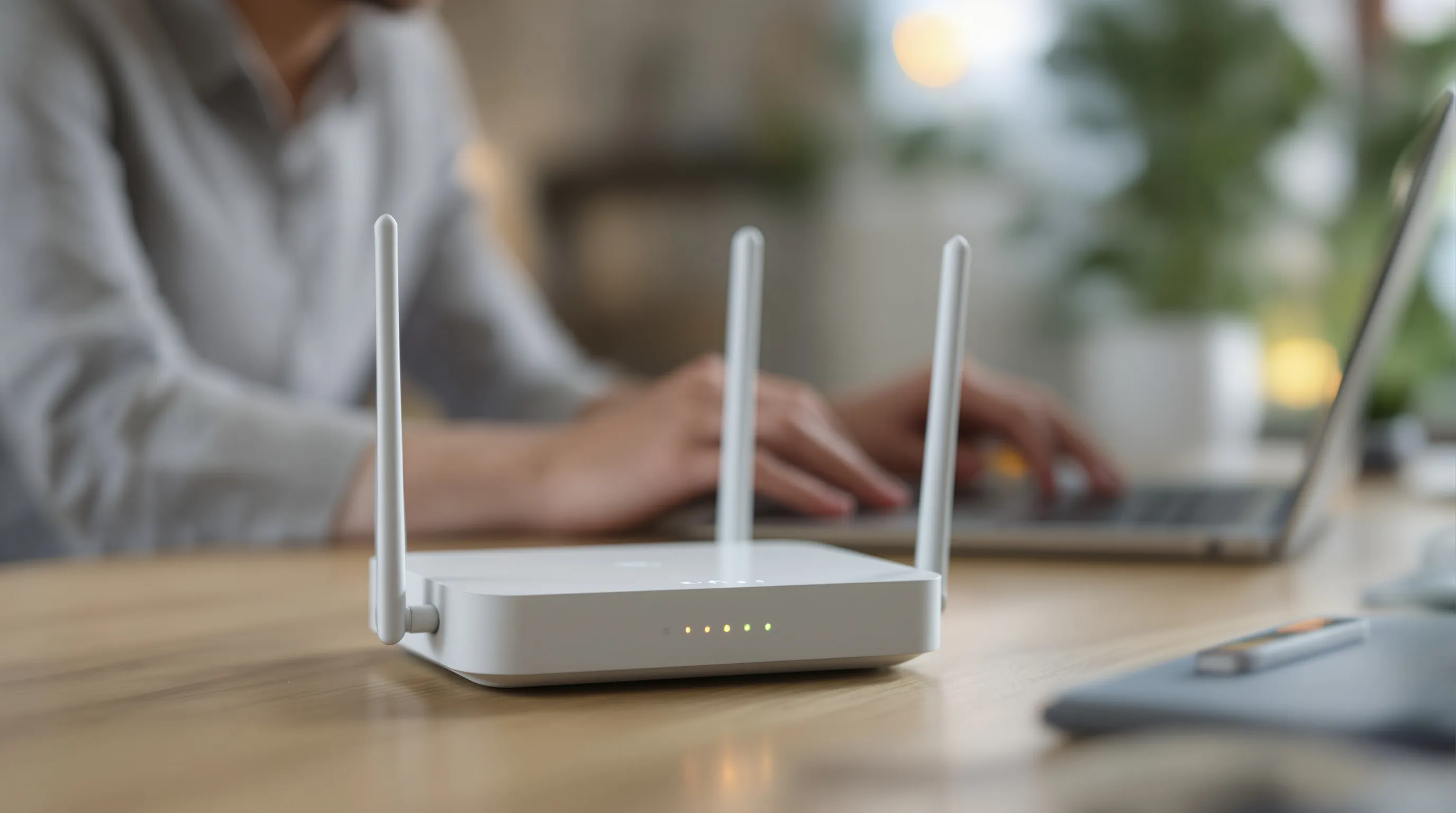
Before: VPN active or data center IP
- Network quality: 0%
- Grass Points earned: 0
- IP classification: proxy, VPN, or data center
- Node status: connected but not contributing to the network
- Troubleshooting loop: restarting the node makes no difference
After: VPN disabled, genuine home connection
- Network quality: above 0% (eligible to earn)
- Grass Points: accumulating each session
- IP classification: residential (clean)
- Node status: contributing bandwidth, points counting toward the next rewards distribution
- Rewards terms: formula subject to change, total pool shared across all active nodes
The single variable separating these two states is IP classification - not internet speed, not device type, not how long the app has been installed.
Why Is My Grass Network Quality Zero Percent?
Network quality shows 0% when Grass identifies your IP address as non-residential. A data center, proxy, or VPN-masked address will always score zero - regardless of speed.
From what I have seen across community discussions, the pattern is remarkably consistent: users with fast connections are just as likely to hit zero as users with slow ones. The variable that actually matters is whether your IP address looks like a real home connection to Grass's verification layer.
Here is why that matters: Grass works because of real home connections. Verified institutions want public web data seen the way real people see it - websites often serve different, limited, or blocked content to datacenter connections, so data gathered through real home connections is more accurate and representative. That is also why Grass only supports real home connections: if your address reads as a datacenter, VPN, or proxy connection, it cannot power web data requests - your Network Quality shows 0%, and no points accrue.
According to reports from the r/Grass_io community, Grass requires a real home connection to work - data center IPs and IPs flagged as proxies won't earn you any points. The community has documented this over multiple years of troubleshooting posts, and the root cause comes down to the same mechanism every time: IP reputation scoring.
The four causes I see most often:
- A VPN is running on your device or router. VPNs mask your real IP and substitute a data center address. Grass sees the VPN's IP, not your home IP - and it fails the residential check immediately.
- Your IP is classified as a data center address. This can happen even without a VPN, particularly after switching ISPs. One user who moved from cable to a 1 Gbps fiber connection reported an immediate drop to 0% that lasted at least 12 days - the new ISP's IP range was apparently classified differently by reputation tools.
- Your ISP type may not pass verification. Some connection types - including certain shared or non-consumer setups - can read as non-residential and stay at 0%. If a home consumer ISP still won't pass, switching to a different home connection is usually the only fix.
- Browser or system proxy settings are active. Even a proxy checkbox in Windows network settings - without an actual proxy running - can signal a non-residential configuration to Grass's scoring layer.
The confirmation step that matters most is checking your IP reputation directly. According to community troubleshooting reports, one user confirmed their IP was flagged as non-residential by an IP-reputation lookup and found their issue was identical when switching between home WiFi and mobile data. The home WiFi connection failed. The mobile connection worked. That single test isolated the ISP as the root cause.
In practice: if your node shows Connected but quality is 0%, the problem is almost always upstream of your device. The Grass app itself is working. Your IP is not passing the residential check.
What Does Your Network Quality Percentage Actually Mean for Uptime Points?
Getting above zero is the threshold - but the percentage itself does real work. The client you run and your Network Quality both affect how quickly Uptime Points accrue; exact rates are set by Grass - check the dashboard and official docs for current values.
If your Uptime Points feel slow but your Network Quality is healthy, the client you're running is worth checking - the desktop and mobile apps are built to earn at a faster rate than the browser extension.
This is also why fixing a 0% reading matters so much: at 0%, your hourly base rate is zero, and no multiplier can rescue it. Getting your connection reading as a real home connection is what turns the meter on; your percentage and your client determine how fast it runs.
Key Takeaways
- Network quality measures IP classification, not speed. A fast connection on a VPN or data center IP will always score zero.
- Disabling the VPN is the most common fix. Restart the Grass node afterward and wait up to 15 minutes for the score to update.
- Some ISP types may not pass verification. If a connection consistently reads as non-residential, switching to a residential consumer ISP is usually the only resolution.
The most useful reframe I can offer after everything in this article is this: when Grass Network Quality reads zero, the app is not broken. The verification system is working exactly as designed - your IP did not pass the residential classification check.
That check is also not a one-time event. IP reputation databases - the ones behind tools like IP2Location - update continuously, and an address that read as residential last month can occasionally get reclassified. If your Network Quality drops to 0% after weeks of working fine, re-check how your IP reads before assuming something broke on your end.
The stable ground is the same as it has always been: a genuine home connection from a consumer ISP, on your home network, with no VPN running. Start there. Verify the IP classification. Then let the node run - every hour above zero is eligible to accrue Uptime Points at your Network Quality rate, and only a node above zero can be selected to route traffic at all.
Frequently Asked Questions About Grass Network Quality
Connected status and network quality measure different things. Connected means your device reached the Grass infrastructure. Network quality measures whether your IP address passes the network's residential classification check. A VPN or data center IP can connect to Grass but will always score zero because it fails that check.
No - not if you want a non-zero quality score. Any active VPN masks your home IP with a data center or foreign address, which fails Grass's verification. Disable the VPN completely, then restart the Grass node before checking the score again.
It measures how your IP address is classified by third-party reputation tools, not your internet speed. A score above zero means your IP reads as a clean, real home connection. A score of zero means it has been flagged as a VPN, proxy, or data center connection. The Grass Rewards Terms note the points formula only applies to nodes that pass this check.
Sources & Further Reading
Further Reading and References
The sources below shaped this article and are worth bookmarking if you're actively troubleshooting a zero network quality score.
- IP2Location IP Lookup - a reputation tool you can use to check whether your IP reads as a real home connection vs. data center/proxy. Check your own classification before assuming the app is at fault.
- Grass Points - Grass Foundation docs - the official reference for how Grass Points work.
- Grass Rewards Terms - the official terms governing how rewards are determined and distributed.
- r/Grass_io on Reddit - community troubleshooting reports (anecdotal, not official guidance).
Related Articles

Written by
Theo Brandt
Contributor Education Writer
Theo Brandt writes about how Grass actually works - how the network puts your unused bandwidth to use, how the desktop, mobile, and browser apps differ, and how to get a stable, high-performing setup.
Follow on XSummarize This Article With AI
Open this article in your preferred AI engine for an instant summary.